Can I reach this service?
Call gRPC or HTTP and see exactly what came back.
Make your first requestInspect HTTP, gRPC, WebSocket, SSE and Cap’n Proto. Find ports, trace a network path, or manage a download. A local Go app does the work; your browser provides the interface.
Local-first. No account.
Nightly follows the latest changes on the default branch.
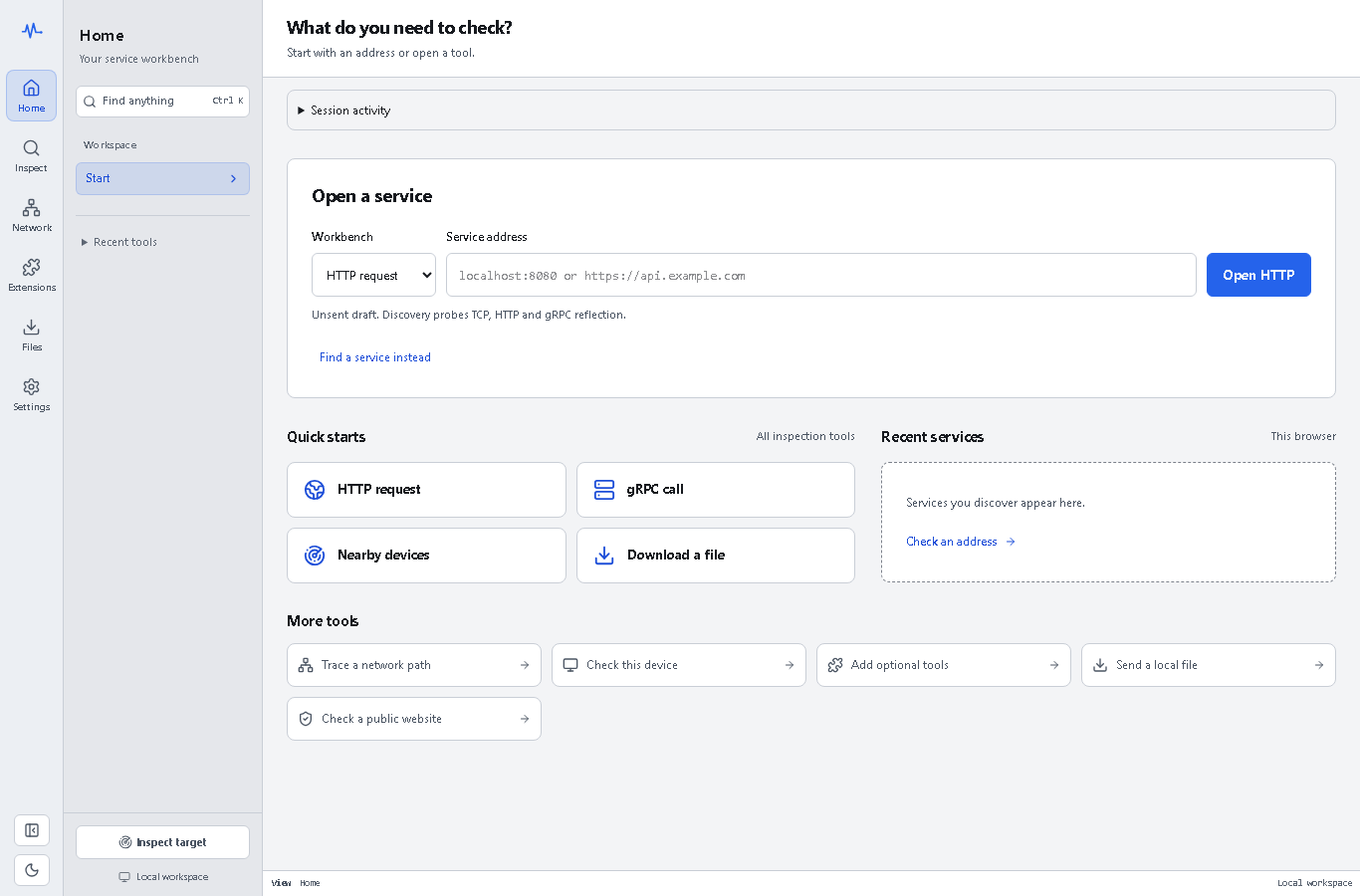
Call gRPC or HTTP and see exactly what came back.
Make your first requestCheck DNS, routes, hops, and timing in one path.
Trace the pathSee DNS, TLS, and response-header evidence when you ask.
See website evidenceNetwork workspace: listeners, connections, IPs, and bounded speed evidence.
Preview This DeviceQueue, pause, resume, and verify HTTP(S) transfers.
Meet DownloaderNative workbenches and guided setup, with checks only when you ask.
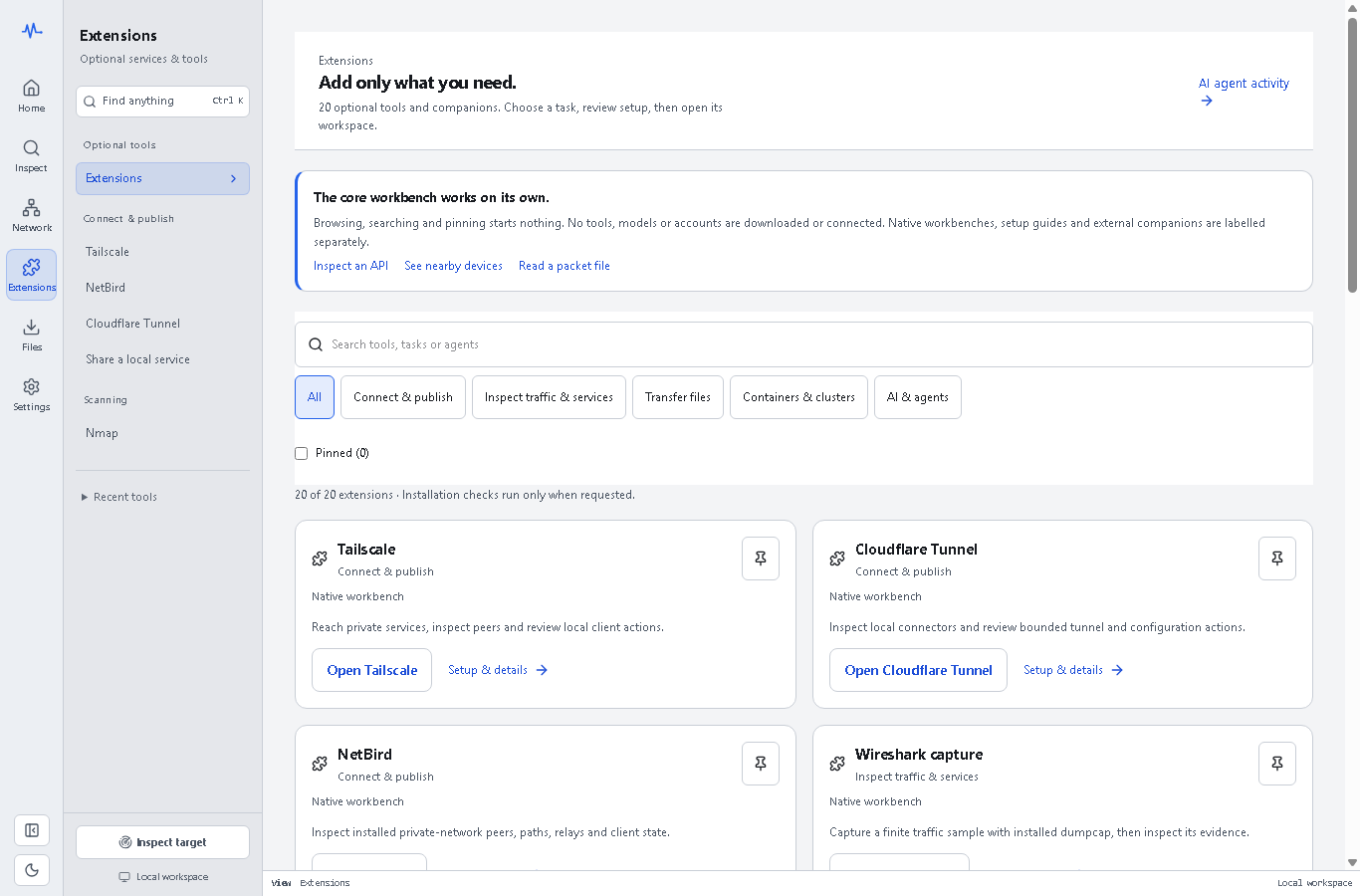
Explore ExtensionsFollow one connected map through every feature, its evidence, and its limits.
Explore all featuresNetwork family · v0.7.0
Use protocol clients for requests, network checks for connection evidence, and capture files for recorded traffic. Expanded diagnostics, full-range batches and TCP payload evidence are included in v0.7.0; installed-tool and native acceptance remain separate.
13 bounded modes for DNS, TCP, TLS, proxies, HTTP/2, HTTP/3 and offline subnet planning.
Connection evidence stays separate from application health.
Explore network diagnosticsChoose one host and a preset or the full 1–65,535 range, processed in bounded batches.
Open, refused, timeout and not scanned remain distinct. This is a TCP scan.
See port scanningOpen PCAP, PCAPNG or .cap captures from tools such as Wireshark; filter packets and inspect conversations.
Core reader: no Wireshark install, endpoint contact or decryption.
Inspect capture-file supportUse installed dumpcap for a finite recording on a selected local interface with an IP or port filter.
Optional capture support and OS permissions required; only host-visible traffic.
Review live capture requirementsRequests, routes, listeners, certificates, downloads, and timing stay together. These actual v0.7.0 package captures were taken before publication; the public bytes were later verified unchanged. Historical captures remain in the screenshot record.
Install once, then run pp to open the local workbench in your browser.
Downloads the stable GitHub release. Uses your installed aria2 for downloads.
The GitHub installer above is the default. Signed APT, Homebrew and Scoop are also available. A checksummed Snap candidate is attached to v0.7.0. Snap Store publication requires maintainer credentials, desktop acceptance and classic review. No Snap Store or Flatpak publication is claimed.
Use the official Microsoft Store listing to install or update ProtoPeek.
Set up APT, then sudo apt install protopeekBrowse release packagesProtoPeek opens locally. External checks run only when you ask. The interface is served by the app on your machine; there is no hosted account to sign into.
Why a Browser User Interface?